
Opportunity Lives in Your Pocket
Turn your mobile phone into a powerful tool: verify the global telecom grid and earn network incentives—passively and securely.
Welcome
At Unity Node Brokers, we make it easy and rewarding to join the Unity network. Our Unity License Operators (ULOs) simply install the Unity app on their favorite mobile device and let it run quietly in the background. That’s it—you earn daily rewards while helping build a stronger, more reliable global telecom network. We handle everything else: distributing licenses, managing leases, keeping operators happy, and providing friendly, ongoing support for today and tomorrow. Sure, you have choices when it comes to Unity licenses. But what sets us apart is our personal touch. We go beyond just collecting rewards—we focus on creating a great experience through hands-on license management, a solid referral program, and a generous split that puts more in your pocket. We’re here to build real, lasting relationships with every License Operator. If you’re looking for a straightforward way to earn passive rewards with trustworthy support, we’d love to have you with us.
Ready to get started? Let’s turn your phone into something that pays you back—join today!
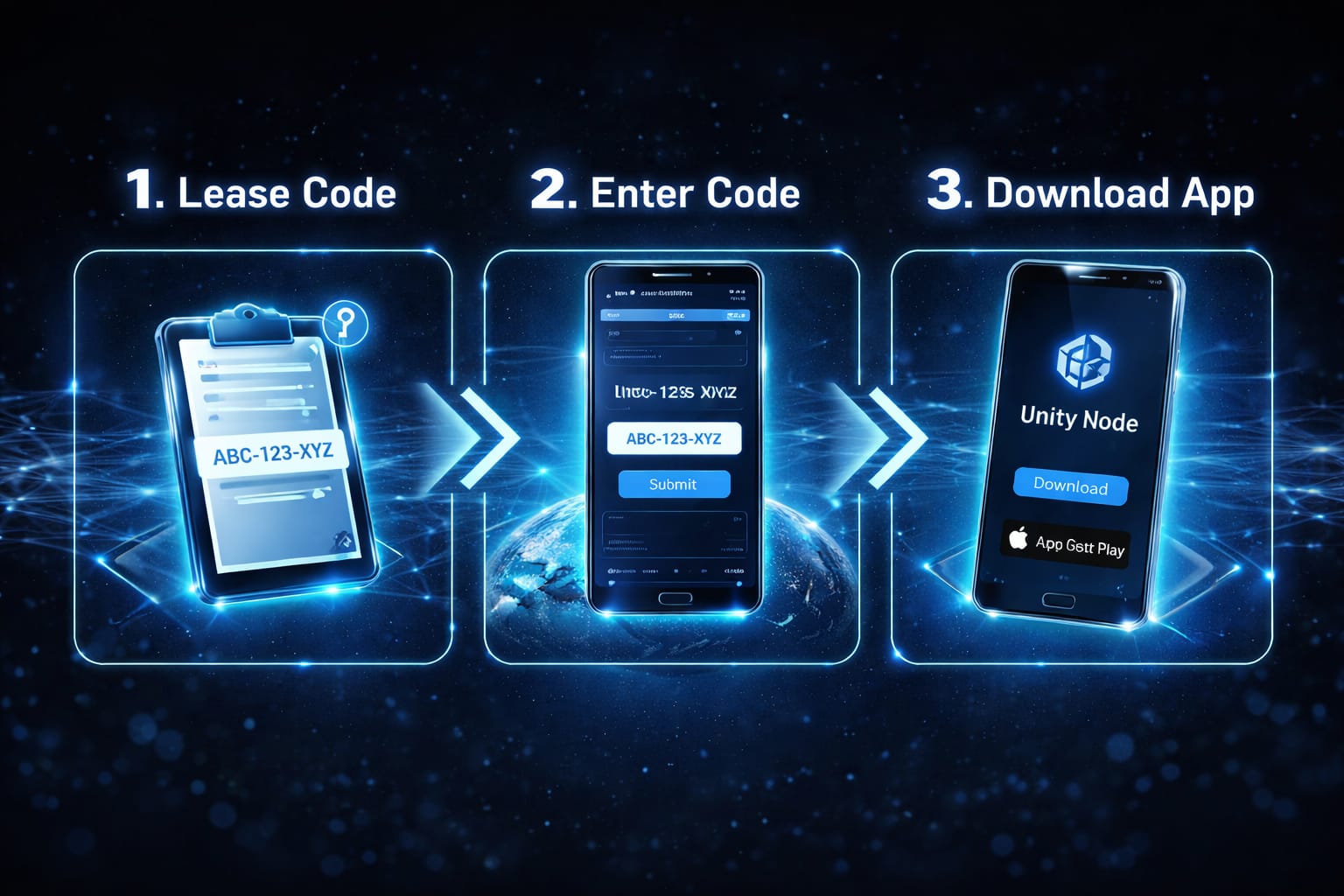
Become a Unity License Operator (ULO)
Ready to turn your phone into a passive earner? As a Unity License Operator (ULO), you help verify and strengthen the global telecom grid—just by running the Unity app quietly in the background. In return, you earn daily rewards.
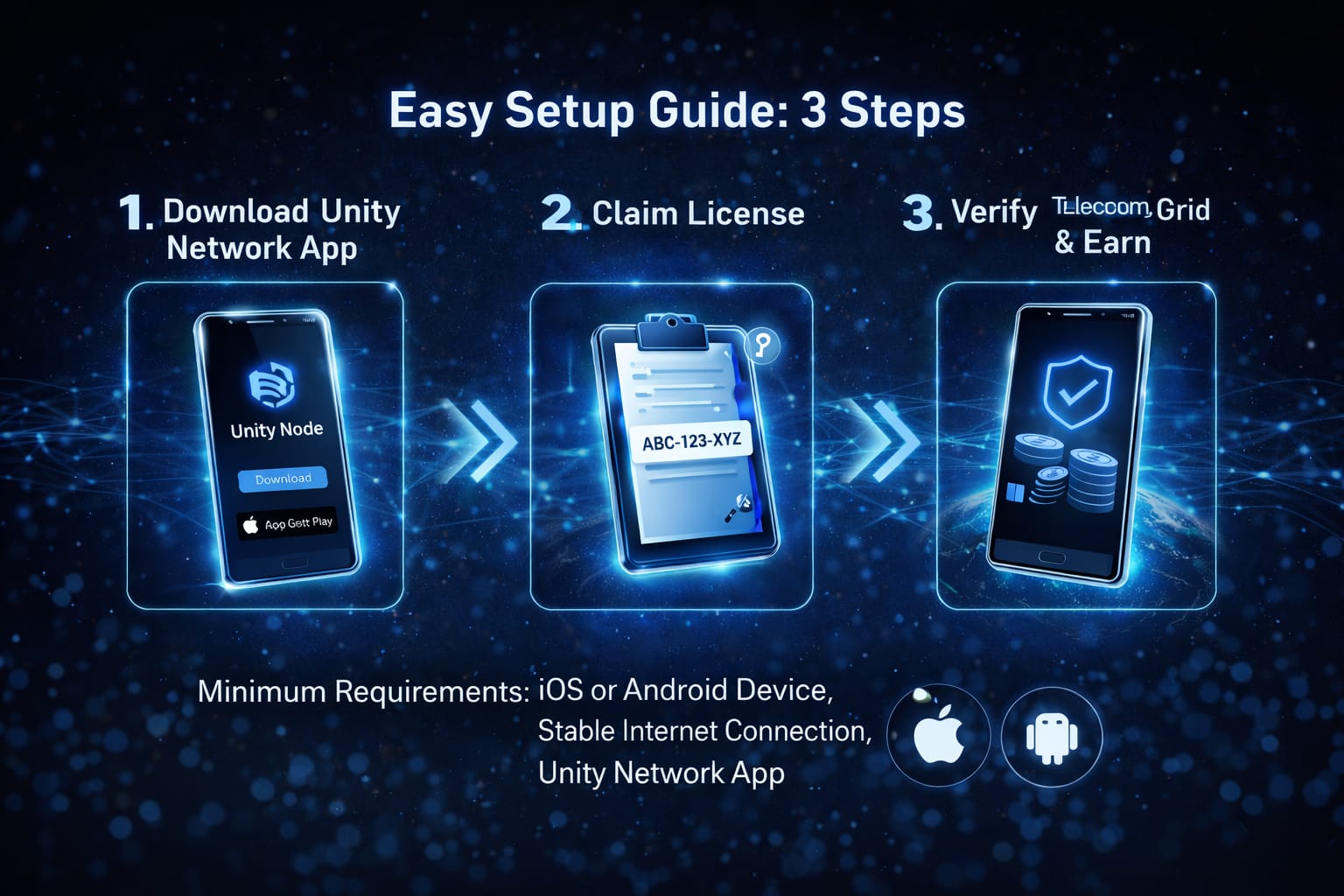
How It Works – Follow These Simple Steps:
Download the Unity App: Head to the official Unity site (manage.unitynodes.io) or go to Google Play or App Store to download theUnity Network mobile app. It’s quick and free to get started.
Get Your License: Open the app, choose “License Operator,” and either:
Enter a lease code from Unity Node Brokers (for a favorable split), or
Browse and claim/lease a license directly in the app’s marketplace using our Referral Code: NODEBROKER.Sign In: Choose how you’d like to get started:
- Connect your Web3 wallet (quick & secure — no passwords needed)
- Or use your email for a one-time passcode (OTP) sent right to your inbox
Either way, we’ll verify it’s you and link this device seamlessly. Pick whichever feels easiest!
Activate & Start Earning: Input your code (or verify the claim), let the app run in the background, and watch your rewards grow. You’re now verifying the telecom grid and getting paid for it!
Pro Tip: Run more licenses (one per device) or refer friends to multiply your earnings. The more you participate or share, the bigger the potential rewards! Only one active license per device—keep it simple and scalable.
Ready to join? Download the app today and let’s get you earning. If you need a lease code or have questions, reach out—we’re here to help make this easy and rewarding for you!
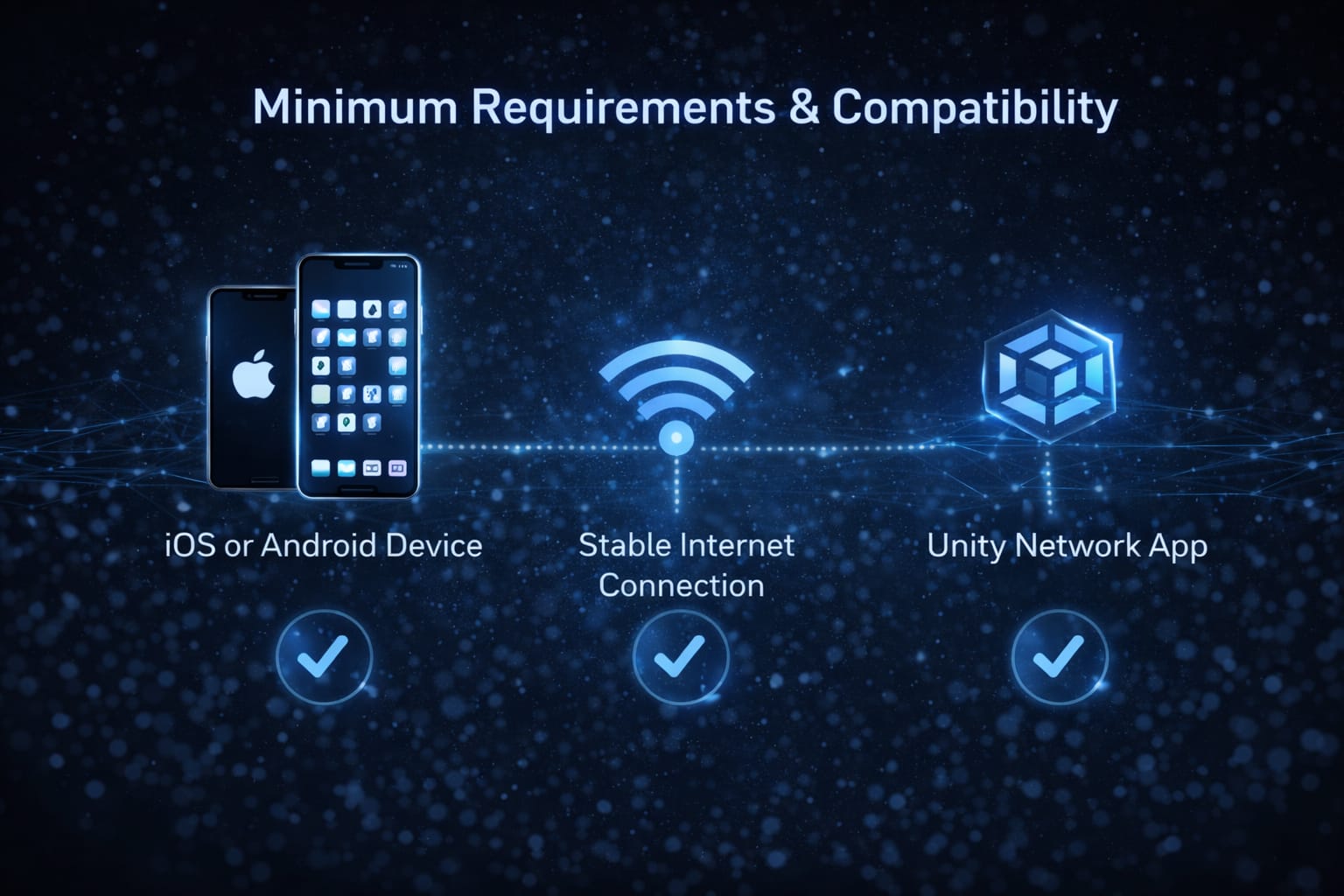
Minimum Requirements & Compatibility
Before activating your Unity License, please verify that your setup meets the following simple requirements. It only takes a minute, and it’ll help everything run smoothly so you can maximize your rewards right away!
- Compatible Device: Any smartphone or tablet running Android 7.0+ or iOS 8.0+. (Most devices from the last few years will work great—even older ones can join in!)
Unity App Installed: Grab the free Unity app from the Google Play Store or Apple App Store. It’s quick to download and sets everything up for you.
Stable Internet Connection : Keep your device powered on and connected to Wi-Fi or reliable mobile data. This lets background tasks run reliably in the background while you go about your day—no constant attention needed!
VPN Policy:
To maximize rewards and ensure reliable task allocation, please run the Unity app in the background without any VPN active.
VPNs can disrupt accurate location/IP detection and stable connections, which affects how tasks areassigned and verified on the decentralized network.
Unity License Dashboard
Welcome to your ULO Dashboard — your central hub for monitoring license performance and tracking rewards in real time. Follow this guide to get set up, activate your license, and manage everything effortlessly.
For additional step-by-step guidance, in-depth tutorials, and tips to get the most out of your Unity app experience — including setup, troubleshooting, earning rewards, and more — head over to our official YouTube channel!
🚀 Join the community and level up today:
Device Tasks
There are two main types of tasks: Passive Tasks and Active Tasks.
Passive Tasks These allow your device to contribute effortlessly in the background while the Unity app runs. Your device performs automated validations that test and verify call quality, SMS delivery, and potential fraud attempts — all without any input or action required from ULOs (Unity License Operators). Simply keep the app running to earn rewards passively.
Active Tasks These require more hands-on participation. ULOs can opt in to complete manual tasks for additional rewards. Unlike passive tasks, they involve deliberate actions rather than just leaving the app in the background.
Active Tasks come in two main categories: CLI (Caller ID) and Scout & Runner.
- CLI (Caller ID): Receive and verify inbound test phone calls to confirm caller ID accuracy and proper network routing.
- You can ignore the call, or answer it (the call will disconnect automatically if answered).
- This helps ensure reliable caller identification across networks.
- Scout & Runner: This involves two collaborative roles: Scouts and Runners.
- Scouts
- Discover and verify phone numbers/routes.
- Report confirmed connectivity.
- Earn fixed UP rewards for successful discoveries and verifications.
- Runners
- Validate routes previously verified by Scouts.
- Validated calls are logged automatically.
- Rewards are applied instantly upon successful validation.
Note: Active tasks (and similar active ones involving calls) require an active SIM card or e-SIM on your device that can receive incoming calls.